Your AI writes the code. Who reviews it? Meet Enji Guard.

Conference Bot: meeting notes
that stay inside your company

The Conference Bot joins your calls, writes the summary, and files it in the right project, without your meeting ever leaving your company's servers. For teams that can't send confidential calls to an outside tool, it's a meeting assistant you run as your own.

How it works

Add the bot to your calendar event

Add the bot to your calendar event

Invite the Conference Bot to the meeting and add the project name in square brackets. That is the whole setup.

It joins the call automatically

It joins the call automatically

At the scheduled time, the bot connects to the meeting without extra reminders or manual steps.

It records and transcribes everything

It records and transcribes everything

The full conversation is saved and turned into a transcript, so no important context is lost.

It summarizes decisions and action items

It summarizes decisions and action items

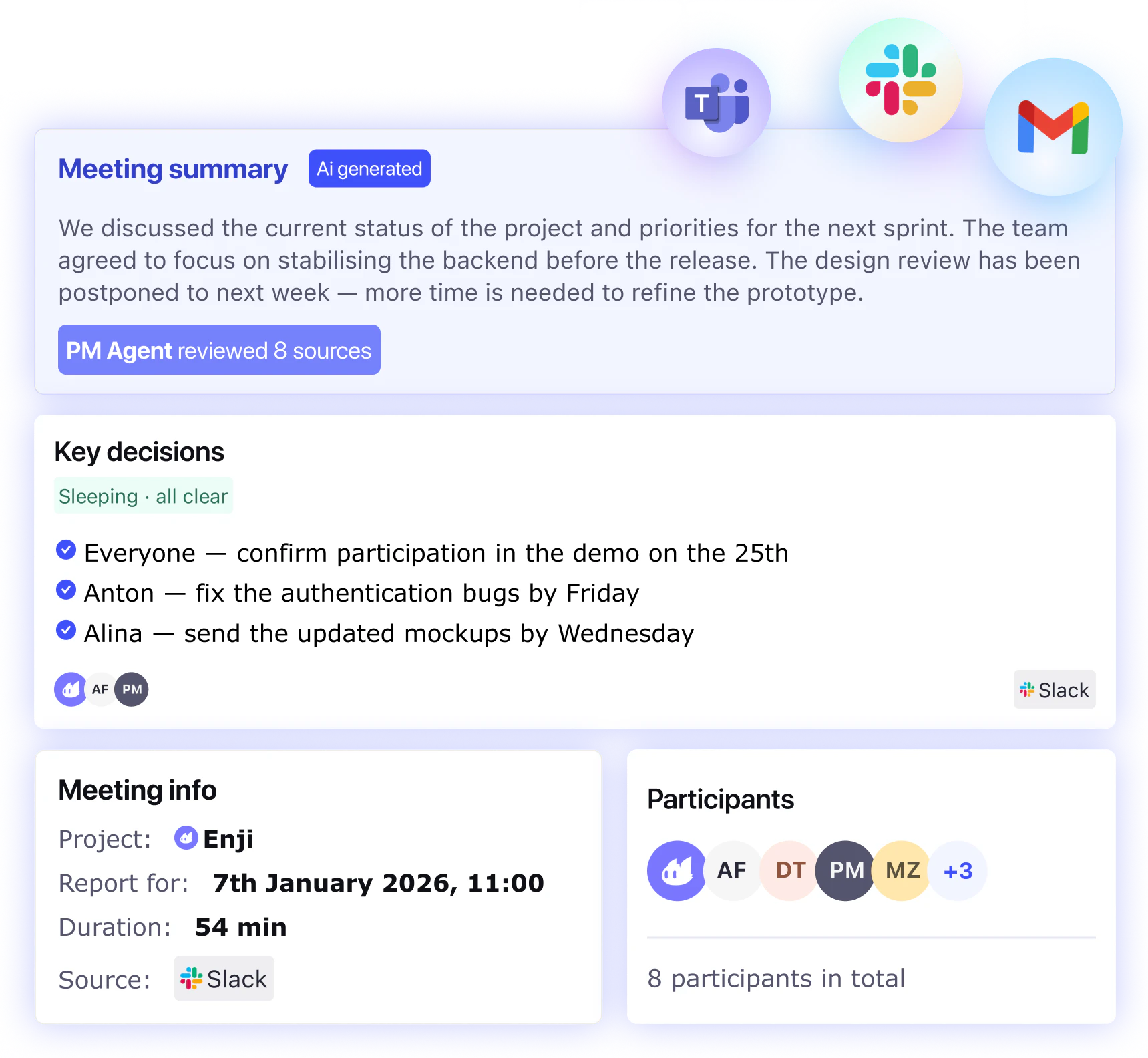
After the call, Enji shows what was discussed, what was decided, what needs to be done, and who owns each next step.

Find every meeting in Enji

Find every meeting in Enji

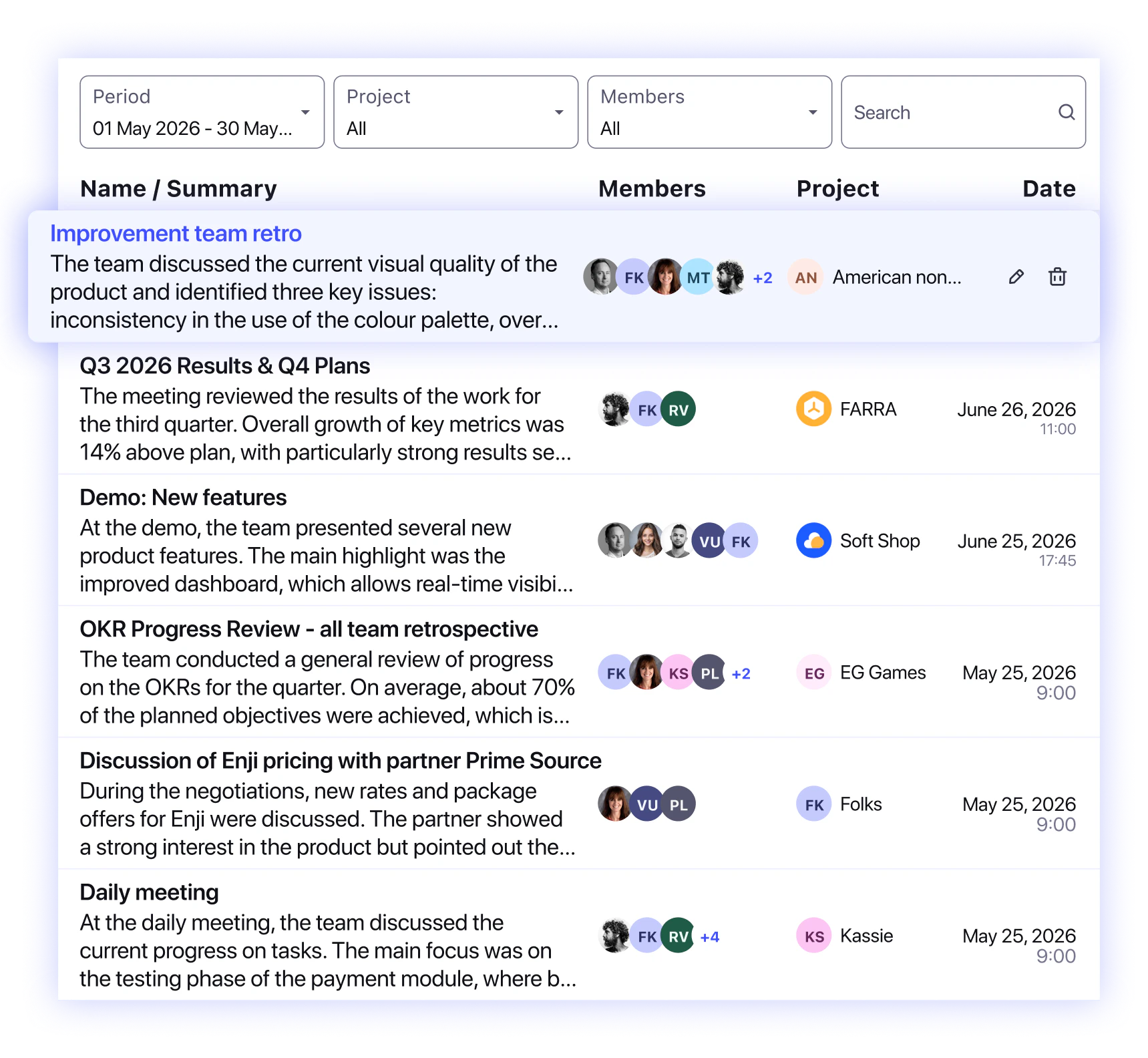
All summaries appear in the Meetings section, where you can revisit missed calls, find old decisions, and share key points with the team.

Own your meeting data and turn every call
into project context

Image

Your usual meeting tool sends your conversations somewhere else

Right now, the tools you keep using record your meeting and send it to their servers, often in another country. For most teams, that's just how it works; for a bank or any company that keeps its work behind closed doors, it's a dealbreaker: confidential discussions, client names, and decisions end up in a cloud you don't control.

  • The Conference Bot solves that by running inside your own company. Nothing leaves your perimeter.
Image

How it's different: it's yours, not a service you send data to

The Conference Bot has its own language model and runs on your own infrastructure, deployed inside your company's perimeter. So the recording, the transcript, and the summary all stay on your servers: the meeting never goes out.

  • That's the difference between using someone else's meeting tool and running your own: with an external service, your private conversations sit on their servers. With the Conference Bot, they sit on yours.
Image

Your meetings become part of the project

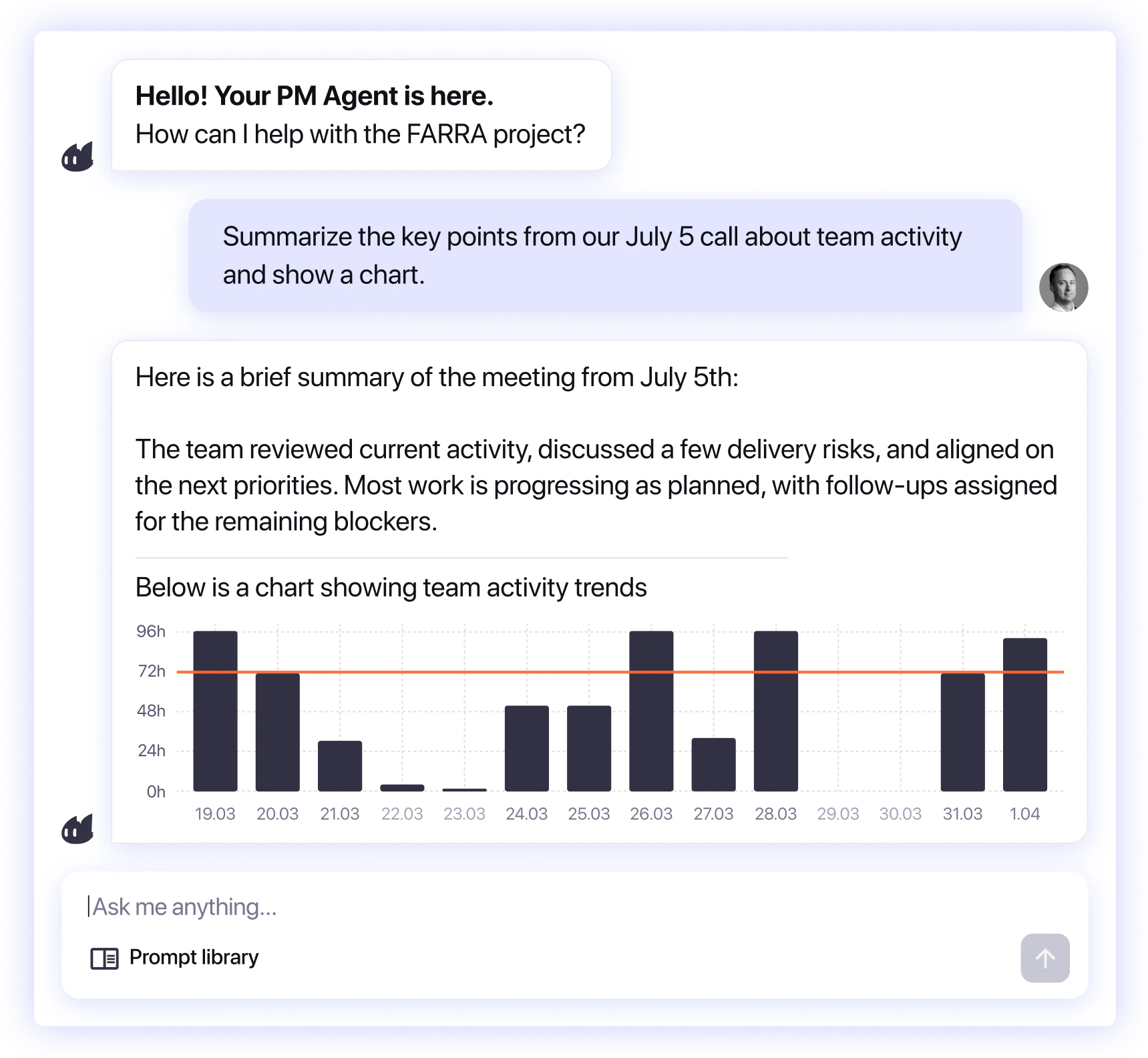
A transcript on its own is just a document. The Conference Bot files each meeting's summary into the right project inside Enji, so what was said on the call becomes part of what PM Agent knows.

That means the "wait, did we actually agree on that?" problem goes away. If it was discussed in a meeting, Enji has it.

  • Ask PM Agent why a deadline moved, and the answer can include the call where it was decided, because the meeting is in the project's context, not lost in a recording nobody rewatches.

No infrastructure?
Your meetings can still live in Enji

Run it inside your perimeter

Run it inside your perimeter

Use the Conference Bot on your own infrastructure when privacy, compliance, or full data control is a hard requirement.

Connect the meeting tool you already use

Connect the meeting tool you already use

If convenience matters more than in-house hosting, Enji can integrate with tools like Fireflies or Read AI.

Keep summaries in the right project

Keep summaries in the right project

Meeting notes, decisions, and action items flow into Enji and stay connected to the project they belong to.

Choose the setup that fits your team

Choose the setup that fits your team

Host the bot yourself or connect an external tool. Either way, your calls end up where your project work already lives.

FAQ

Turn every meeting into project context

Keep calls, decisions, transcripts, and action items connected to the right Enji project, whether you run the bot inside your perimeter or connect the meeting tool you already use.