Project Management Glossary: Key Terms
Definition of Alert management
What is alert management?
Alert management is the process of detecting, prioritizing, dispatching, and tracking alerts, or notifications that signal events needing attention, within IT, operations, or project environments. In the context of project management, alert management ensures that teams are promptly informed about potential issues, risks, or incidents before they escalate.
Effective alert management bridges the gap between automated monitoring tools and human response, turning raw data and signals into clear, actionable prompts for decision-makers. This system is fundamental for incident response, performance monitoring, and maintaining project reliability.
What is the difference between alert management and incident management?
Alert management is about detecting and filtering system notifications (alerts) that signal potential issues needing attention. Not every alert turns into a real problem, but the process ensures that only important warnings reach the right team members, minimizing noise.
Incident management begins when one or more alerts indicate an actual disruption that impacts service or business operations. At this point, a coordinated response is launched to investigate, resolve, and learn from the incident.
In essence, alert management is focused on surfacing and prioritizing early warnings, while incident management addresses confirmed issues that demand immediate action and post-incident review. Both processes are essential for reliable IT operations, but they serve different purposes and require distinct workflows.
Why is alert management important for a project?
Alert management serves as a critical safeguard for project success, enabling proactive responses to risks and system breakdowns. A well-implemented alert system delivers measurable benefits across multiple organizational levels:
Technical and operational benefits
- Minimizes downtime and system failures by enabling immediate intervention when critical thresholds are breached.
- Optimizes resource allocation by highlighting the most urgent issues and filtering out noise or false positives.
- Ensures compliance and audit-readiness by maintaining comprehensive logs and response records for key incidents.
Team and business impact
- Boosts team productivity and morale through clear notifications that reduce surprises and eliminate constant firefighting.
- Improves customer satisfaction and trust by ensuring rapid resolution of outages or service degradations.
- Increases operational transparency by providing stakeholders with real-time status updates and visibility.
- Supports data-driven decision making by surfacing historical incident trends that inform process improvements.
In essence, a robust alert management solution keeps projects on track, reduces both financial and reputational risk, and helps organizations achieve higher reliability benchmarks while maintaining stakeholder confidence.
What are IT alert management best practices?
8 best practices have been identified, which form the foundation of effective IT alert management:
- Set clear alert thresholds to reduce noise and minimize unnecessary notifications.
- Prioritize alerts by severity, directing attention to the most critical issues first.
- Automate escalation processes so unresolved alerts reach the right people promptly.
- Centralize alerts in a unified dashboard for improved visibility and organization.
- Provide actionable notifications, always including sufficient context for a quick response.
- Enable two-way communication, allowing alerts to be acknowledged and resolved efficiently.
- Regularly review and update alert rules to cut down on false positives and keep the alerting system optimized.
- Foster strong team collaboration around these processes to ensure consistent and coordinated responses.
Organizations that follow these practices see faster resolution times, fewer missed incidents, and stronger operational outcomes—directly impacting overall project performance.
How does Enji help automate alerts for a project?
Enji empowers project managers and distributed teams with an intelligent, automated alert management system tailored to the demands of modern technology operations. With Enji, you can:
- Set custom alert thresholds for key project metrics, lead time, cycle time, backlog size, critical deploys, and more, so stakeholders are notified exactly when intervention is needed.
- Receive instant, context-rich notifications via the platform or preferred channels (such as email, Slack, or chatbots), ensuring no critical event is missed.
- Use the PM Agent to generate regular summary reports that not only log triggered alerts but also show trends, response times, and potential areas for process improvement.
- Automatically escalate unresolved issues to higher management or reassign based on workload, minimizing the risk of ignored incidents.
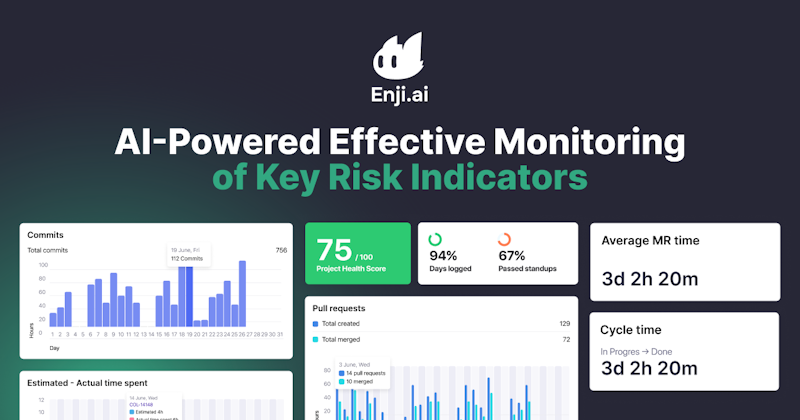
- Integrate with Enji's real-time dashboards, giving managers full transparency into alert histories and team responsiveness, which aids in resource planning and risk management.
For example, if a backlog starts to spike or delivery KPIs slip outside acceptable ranges, Enji's alert system flags the trend, notifies the responsible owners, and highlights actionable steps. This ensures rapid response and keeps teams focused on priorities, reducing both stress and manual oversight.
Key Takeaways
- Alert management is critical for detecting, prioritizing, and resolving events before they affect projects or customers.
- Strong alert systems increase uptime, boost productivity, lower operational risk, and improve team morale.
- Best practices center on clear thresholds, alert prioritization, automation, actionable notifications, and ongoing review.
- Enji simplifies and automates project alerts through threshold-based triggers, summary reports, and escalation logic, letting teams stay agile and decisive.
- Effective alert management is the backbone of high-reliability operations and sets the stage for proactive, resilient project delivery.


Last updated in September 2025