Created: May 12, 2026

Valeriia.

Valeriia Khramchenkova Product Manager

AI

[Why General-Purpose AI Assistants Fail at Scheduled Project Work, and What PMs Actually Need]

Analyze with AI

Get AI-powered insights from this Enji tech article:

The report that was always urgent, always manual, and always mine to figure out

For most of my career as a product manager, Friday afternoon meant one thing: the weekly project report. Not writing it (that part I could do); the part that consumed the actual time was the hour before writing it, when I had to reconstruct what had really happened that week.

Open Jira, filter by sprint, and check which tickets were closed, which slipped, and which changed status without explanation; cross-reference with the Slack thread where someone mentioned a blocker on Tuesday; pull the worklog data; and remember what the client asked about on Wednesday's call and make sure the report addresses it. Check whether the milestone percentage I'm about to report matches what the team lead said in standup yesterday.

By the time I had gathered all the data, my thinking budget was nearly exhausted, because I had to be the synthesis layer between six tools that didn't talk to each other.

I assumed this was just the job; then I started wondering if it had to be.

The obvious fix: just ask Claude to do it

When I first started experimenting with AI tools in my workflow, weekly reporting seemed like the obvious place to start. The task is structured, the output is predictable, and the content follows a consistent pattern. If AI was going to help me anywhere, surely it was here.

I spent an afternoon building what I thought was a solid prompt: I described the report format, included context about the project, pasted in ticket data I'd copied from Jira, and asked Claude to synthesize it into a weekly status update.

The result was, well, competent. The structure was right, the language was clear, and if I hadn't known better, it would have read as a real report. The fact was that it was a report about the data I'd given it, not about the project. When I forgot to include the Slack thread about the blocked API integration, the report didn't mention it; when the ticket data I pasted was two days old, the report reflected a two-day-old project. When I asked a follow-up question about timeline risk, the answer was generic because the model had no idea what our historical velocity looked like or what we'd committed to the client.

And then there was the deeper issue: none of this could run automatically. Every Friday, I still had to sit down, gather the data, construct the prompt, paste everything in, review the output, and fill in what the model couldn't know.

The report was still urgent, still manual, and still mine to figure out.

Why general-purpose LLMs are stateless, and why that matters for PMs

To understand why Claude and ChatGPT hit a wall with this kind of task, it helps to understand one fundamental thing about how they work — without getting into anything technical.

General-purpose LLMs have come a long way in continuity. ChatGPT Projects, Claude Projects, and similar features let you attach files, set standing instructions, and maintain conversation history across sessions. That's genuinely useful, and it's worth acknowledging.

But it didn't solve the problem I was running into. What persists is the context you've explicitly provided: the documents you've uploaded, the instructions you've written, and the history from previous conversations in that project. What they don't do is pull live data from your Jira board, notice what changed since last week's sprint, or run a report at 9 am Monday without you initiating the interaction. The gap isn't memory — it's the live connection to the systems where your project actually lives, and the ability to act on a schedule without a human in the loop.

This is what's meant by being stateless at the operational level, and it's a deliberate design choice that makes these models safe, privacy-preserving, and usable by millions of people for completely different purposes. A model that autonomously connects to every user's live systems would be a security nightmare.

But that statelessness is a significant limitation for project management work, because project management is fundamentally stateful. Every status update exists in relation to a previous one; every risk flag is meaningful only in the context of the current sprint, the historical velocity, the client's expectations, and what was agreed upon at the last review. Without that live continuity, an AI can write a report, without telling you what's actually happening in your project right now.

That distinction matters more than it might seem: a general-purpose LLM with a project attached knows what you told it. A project-aware agent knows what's happening.

When I built my Claude prompt, I was manually compensating for all of these limitations: I was the scheduler, the data pipeline, and the memory layer. The model was just helping me format the synthesis once I'd done all the work. At some point, I stopped compensating and started writing down what I actually needed, and turned it into a list.

What a PM really needs from an AI reporting tool

So here's the list of what I actually needed to finally automate reporting:

  • Access to live project data, not past snapshots. A useful reporting tool needs to see what's actually happening in Jira, GitHub, and Slack right now and not what I remembered to copy across an hour ago. Outdated inputs produce outdated conclusions, and outdated conclusions erode client trust.
  • Memory of what came before. Last week's sprint matters for understanding this week's. A report that doesn't know whether we closed 80% of our planned scope last sprint has no basis for assessing whether this sprint's velocity is normal, concerning, or worth flagging. Historical context isn't a nice-to-have; it's what makes a status update meaningful rather than just descriptive.
  • Knowledge of the project's specific context. Our project has specific milestone commitments, client sensitivities, team conventions, and risk thresholds. A reporting tool that doesn't know these produces generic output. Generic output requires a human to translate it into something truly useful, which defeats the purpose.
  • The ability to run on a schedule without me. The whole point of automating a weekly report is that it runs weekly without my involvement. A tool that requires me to sit down every Friday and initiate the process hasn't automated anything; it's just changed the shape of the manual work.
  • Output that goes somewhere. A report that exists only in a chat window is a draft. The output needs to reach the people who need it: sent to a client via email, posted to a team Slack channel, or delivered as a formatted document. Delivery is part of the task.

General-purpose LLMs meet the first requirement partially (with some manual effort) and none of the remaining four natively. That's a description of what they were designed to do. Matching the tool to the requirement is the actual efficiency gain.


When general-purpose AI is still the right choice, and when it isn't

I want to be clear that this isn't an argument against Claude or ChatGPT. Both are genuinely useful tools that I still use regularly. The point is that different tools are appropriate for different tasks, and confusing them costs time.

General-purpose LLMs are excellent for tasks that are bounded by a single session: drafting a client email, thinking through a prioritization framework, summarizing a document you've just uploaded, preparing for a difficult conversation, or working through the logic of a decision. These tasks benefit from the model's broad knowledge, flexible reasoning, and ability to engage with whatever you bring to the conversation. They don't require persistent state, live data access, or scheduled execution.

Project reporting is a different category of task. It requires a persistent state because the report is meaningful only in relation to previous reports. It requires live data access because a report based on yesterday's Jira snapshot is already out of date. It requires scheduled execution because a report that depends on a human to initiate it is not automated. And it requires delivery infrastructure because a report that lives in a chat window hasn't reached the people who need it.

The clearest sign that you're using the wrong tool is when you find yourself doing significant manual work to compensate for what it can't do: copying data from Jira into Claude every week, setting a calendar reminder to kick off the report-building process, and manually forwarding the output to your client.

All of that manual work is real time spent, and it accumulates. Once I was clear on exactly where the gap was, the question became simpler: what would it look like if a tool actually covered all five requirements by design?

What changed when I switched to a project-aware agent

I want to be specific about what changed when I started using the updated Enji's PM Agent for scheduled reporting, because the difference isn't subtle and it's worth describing concretely.

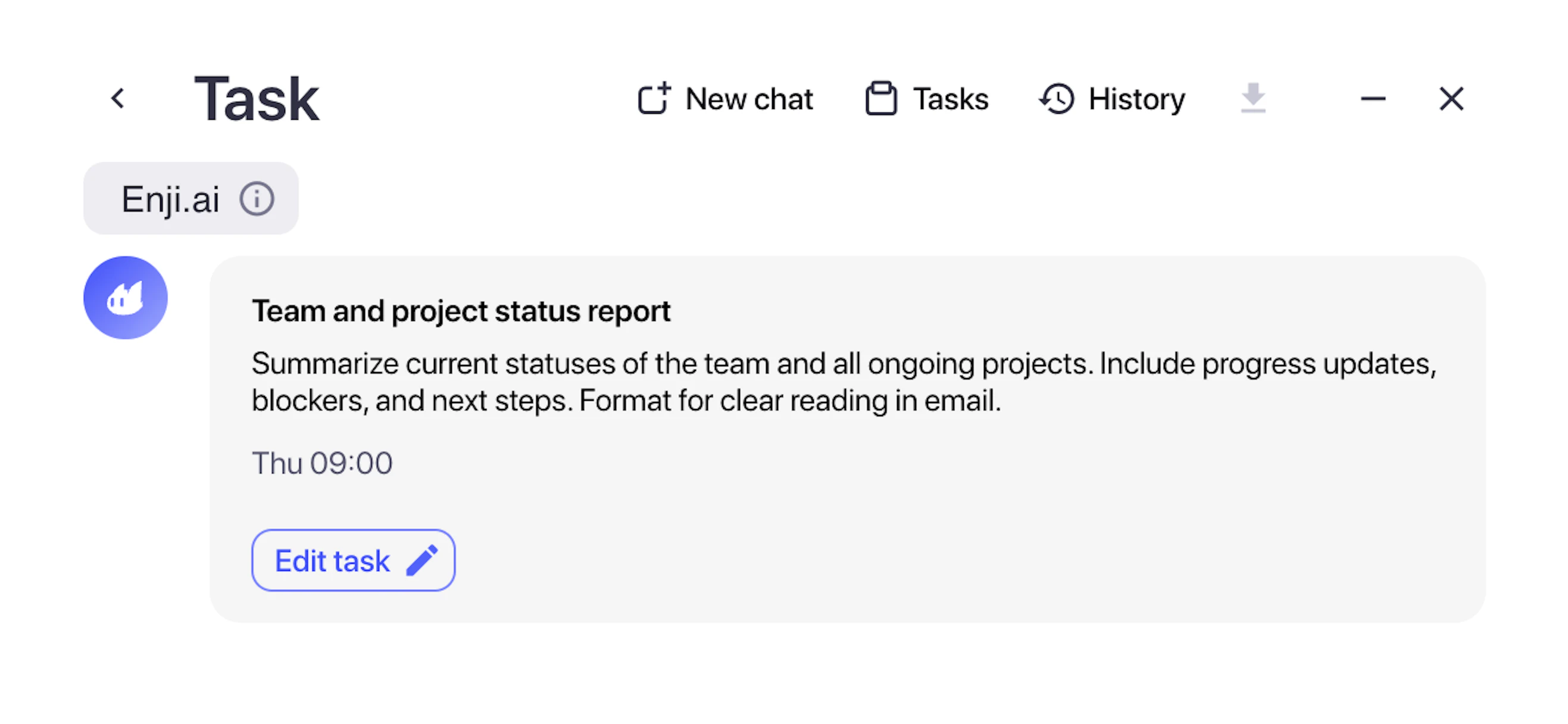
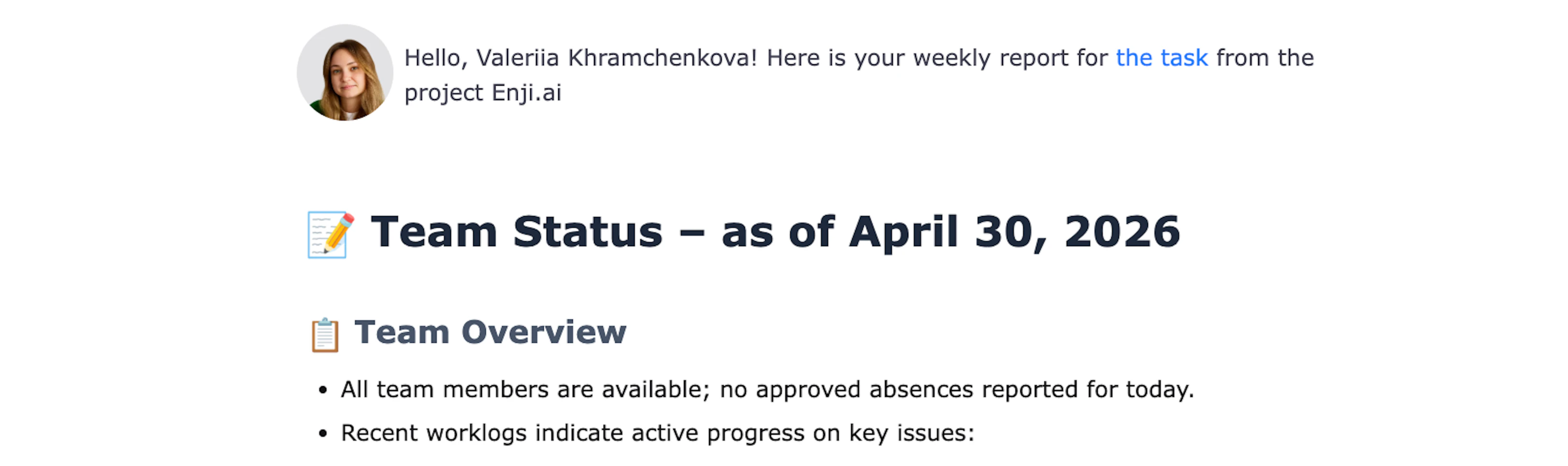
The first thing I set up was a recurring weekly report task. I described what I wanted, a status summary covering completed work, current blockers, milestone tracking, and any risks worth flagging to the client, and specified that it should go out every Monday morning to the client's email and to our team's Slack channel. That was a one-time setup, and it has run every week since without me doing anything.

What the agent produces pulls from the actual Jira tickets that closed or moved in the prior week, cross-references commit activity and worklog data, checks the current sprint against the planned milestone, and flags anything that looks like a deviation from our historical patterns. When a ticket has been sitting in the same status for longer than our typical cycle time, it notes that; when our burn rate is running ahead of scope completion, it surfaces it.

The first time a report came out and flagged a risk I hadn't consciously noticed (a dependency that was going to create a bottleneck two sprints ahead), I understood what "project-aware" specifically means in practice. The model was analyzing data it had access to in the context it had accumulated, and producing an insight I would have needed another thirty minutes of manual investigation to reach on my own.

The output also reflects the Project.md file set up when I connected the project to Enji, a file containing info about the Jira boards. Unlike a system prompt you paste manually, the Project.md file is referenced automatically on every scheduled run — so the context stays current without your involvement.

When I think back to the Friday afternoon routine I described at the beginning of this piece, the amount of that work that has simply stopped is significant. The data gathering is gone. The cross-referencing is gone. The synthesis is gone. What remains is reading the report, making a judgment call about whether anything requires a conversation, and occasionally adding a nuance that lives outside the tools. That last part is irreplaceable. The rest was mechanical work dressed up as management work.

The practical test: four questions to ask before choosing an AI tool for project reporting

When evaluating whether a general-purpose AI tool or a specialized agent is the right choice for a reporting task, I now run through four questions:

  1. Does the task require data that the model can't see? If your report needs information from Jira, GitHub, Slack, or any other live system, a general-purpose LLM will need you to bring that data manually. If that's a non-trivial amount of work, or if the data changes frequently enough to make manual collection error-prone, you need a tool with native integrations.
  2. Does the report need to happen without you initiating it? If it needs to go out at 8 am Monday, whether or not you're at your desk, workarounds exist; scheduling tools like Zapier or Make can trigger a model and push output somewhere, but they add configuration overhead and don't solve the underlying data problem. If you need this to just work, you need a tool where scheduling is built in, like Enji.
  3. Does the quality of the report depend on knowing what happened previously? If the report's value comes partly from comparing this week to last week, or from understanding whether the current situation represents a deviation from historical patterns, you need a tool with a persistent project context.
  4. Does the output need to reach someone other than you? If the report needs to be emailed to a client, posted to a Slack channel, or delivered in a specific format to a specific recipient on a schedule, you need a tool with delivery infrastructure. Delivery can be wired up through automation platforms, but that's another layer to configure and maintain. If delivery is a core requirement of the task, it should be part of the tool, not an afterthought built around it.

If you answered yes to any of these questions, it's better to find a tool that actually fits your requirements — that's where the real efficiency gains from AI automation come from.

You can also read:

AI

[How We Made AI ROI Visible to Engineers and to Clients]

Three metrics that make AI ROI visible to both engineering teams and clients: project margin, delivery predictability, and ghost FTE. A practical framework with real data.

Engineering Management

[Engineering Cost Transparency: How to Know What Every Feature Really Costs]

A practical guide to feature cost tracking: worklog discipline, role-level rates, and how to connect effort to delivery output across every sprint.

AI

[Continuous Code Scanning with AI: Why One-Shot Analysis Misses What Matters]

Discover why access control gaps in AI-generated code go undetected by static tools, and how continuous, runbook-driven scanning surfaces them before they cause data leaks.